
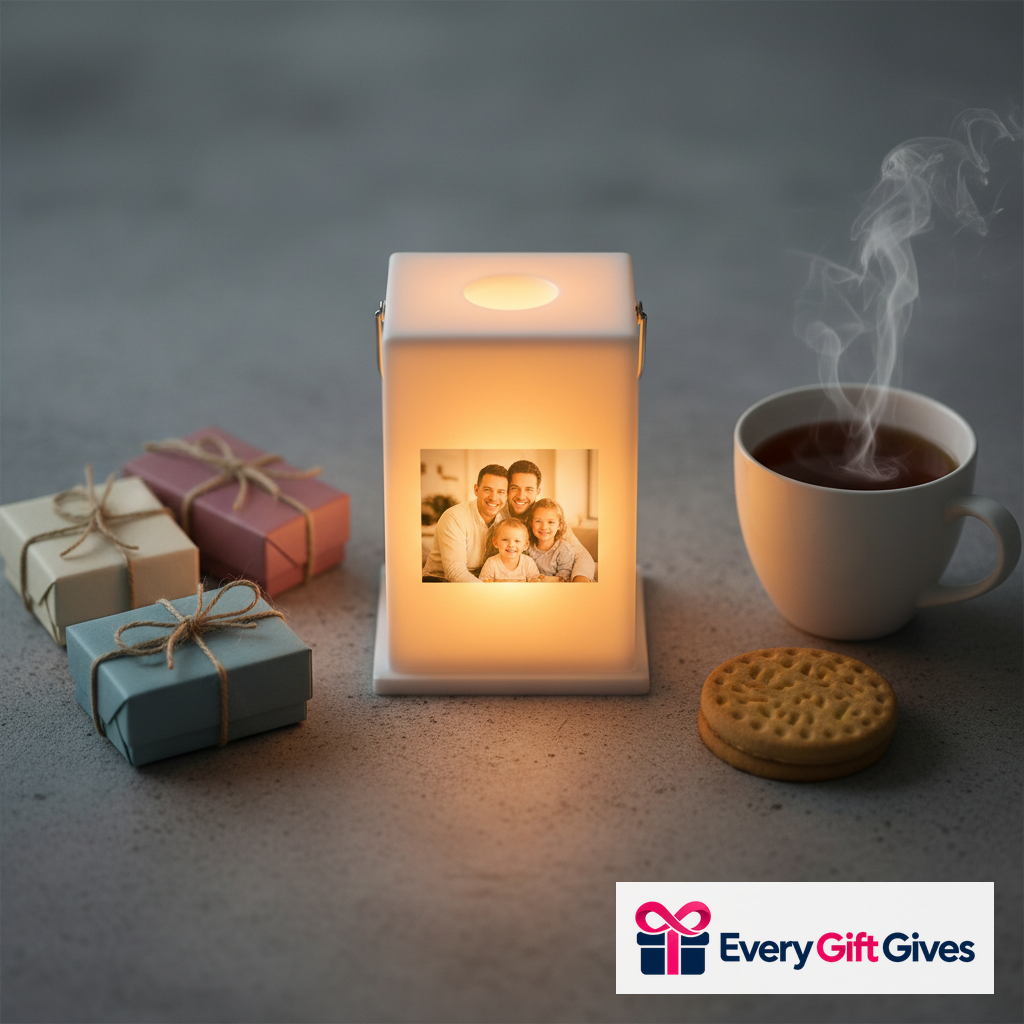
There's something incredibly special about a personalised gift. It shows thought, effort, and a unique understanding of the recipient. Here at Every Gift Gives, we offer a range of personalised items, from Photo Upload LED Lights to Personalised LED Lanterns, perfect for commemorating special moments. However, the magic truly happens when your chosen photograph prints beautifully. To ensure your thoughtful present looks its absolute best, follow our British guide to selecting the ideal image.
Understanding Image Resolution and Quality
The most crucial factor for a clear print is image resolution. Think of it like this: the more pixels (tiny squares of colour) an image has, the more detail it can hold. When you zoom in on a low-resolution photo, it quickly becomes blurry or 'pixelated'.
- Aim for High Resolution: Always use the original, highest resolution photo you have. Screenshots, images saved from social media, or pictures sent via messaging apps are often compressed, meaning their resolution is significantly reduced.
- Check File Size: A larger file size (e.g., several megabytes, not kilobytes) usually indicates a higher resolution.
- Avoid Cropping Too Much: While you might need to crop an image slightly, excessive cropping can reduce the effective resolution, especially if you're trying to enlarge a small section of a photo.
Lighting is Everything
Good lighting can transform an ordinary photo into an extraordinary one. When selecting your image, pay close attention to how it was lit.
- Natural Light is Best: Outdoor photos taken on a bright, but not overly sunny, day often yield the best results. Overcast days can provide lovely, soft, even lighting.
- Avoid Harsh Shadows: Direct sunlight can create harsh shadows and blown-out highlights, losing detail in important areas.
- Indoor Lighting: If your photo is taken indoors, ensure the room is well-lit. Avoid photos taken in dimly lit rooms or with a strong flash directly on the subject, which can create unnatural colours and red-eye.
Focus and Clarity
An out-of-focus photo will print out-of-focus. This might seem obvious, but it's often overlooked in the excitement of choosing a favourite memory.
- Sharp Subjects: Ensure the main subject of your photo is sharp and in focus. If faces are blurry, the personalised gift won't have the desired impact.
- No Motion Blur: Photos with movement can be lovely, but if the subject is blurred due to motion, it will appear unclear when printed.
Composition and Colour
Beyond technical aspects, consider the aesthetic appeal of your photo.
- Simple Backgrounds: A busy background can distract from the main subject. Photos with simpler, less cluttered backgrounds often work best for personalised items.
- Vibrant Colours: While black and white photos can be stunning, if you're aiming for a colourful gift, ensure the colours in your chosen photo are vibrant and true to life.
- Consider the Gift Shape: Think about the shape of the item you're personalising. A portrait-oriented photo might not fit well on a landscape-oriented item without significant cropping, which could cut out important elements.
Practical Steps for Uploading
- Locate the Original: Always upload the original file from your camera or phone, not a copy from social media or messaging apps.
- Review the Preview: Most personalised gift services, including ours, offer a preview. Take your time to check this carefully. Does it look clear? Are all important elements visible?
- Ask for Help: If you're unsure, don't hesitate to contact customer service. We're here to help you get the best possible result for your gift.
By following these tips, you'll be well on your way to creating a truly memorable and beautifully printed personalised gift, knowing that your purchase helps support FND Connect. Whether it's a photo of a beloved pet, a cherished family moment, or a stunning landscape, make sure it's perfect. And if you're looking for other unique presents, why not explore our range of Mythology Figurines, such as the impressive Bronzed Halvor Viking Figurine - Longship Warrior?